Step inside the hotel
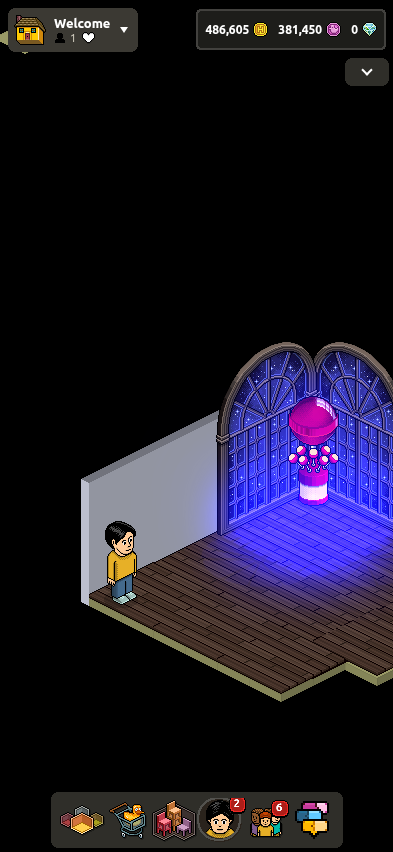
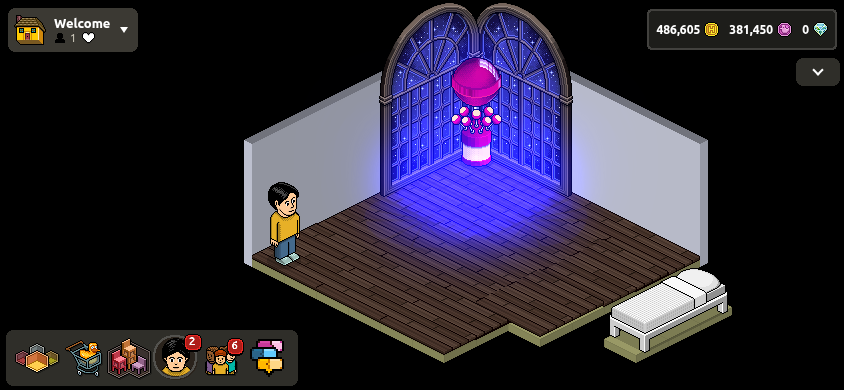
Move around the room with the toolbar at the foot of the screen. Turn your phone sideways and the controls group in the lower left, leaving more of the room in view.
 PlusEMUOpen hotel ↗
Explore rooms, chat and furnish your space with AIR controls built for portrait and landscape. Open any screenshot to compare the two layouts up close.
Move around the room with the toolbar at the foot of the screen. Turn your phone sideways and the controls group in the lower left, leaving more of the room in view.
Tap a room to enter, or tap its info button to see details. Each row shows the room preview, name, owner and visitor count. In landscape, search and room actions sit beside the results.


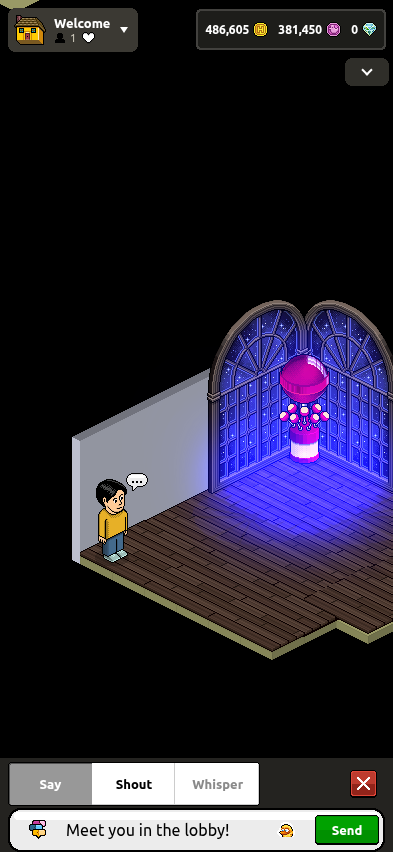
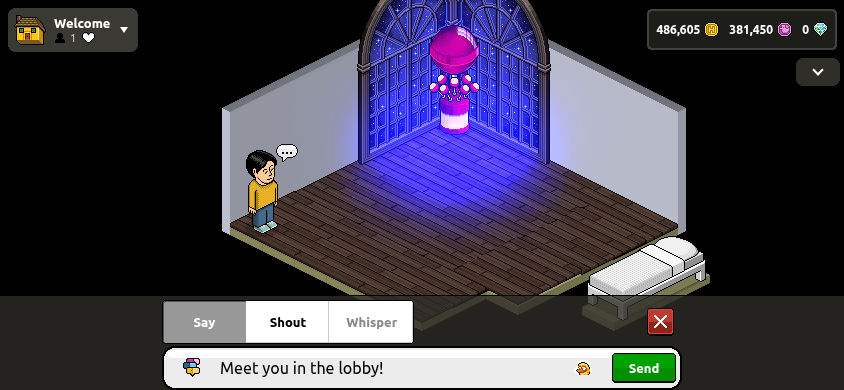
Tap the speech bubble to write in the room. Close the composer to get back to the room, then reopen it to finish your draft.
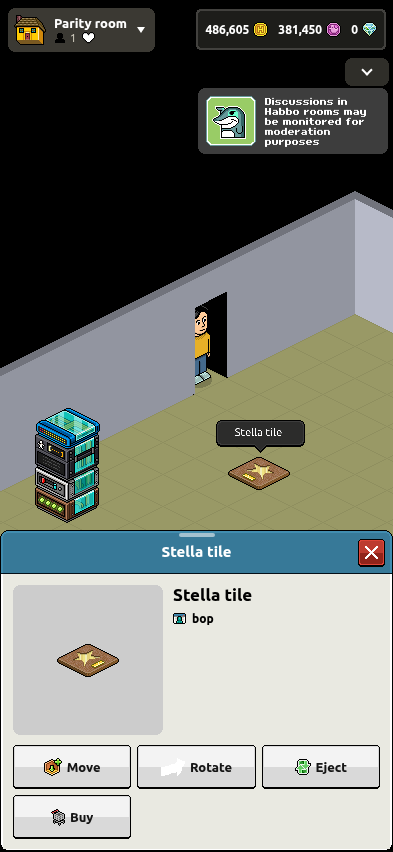
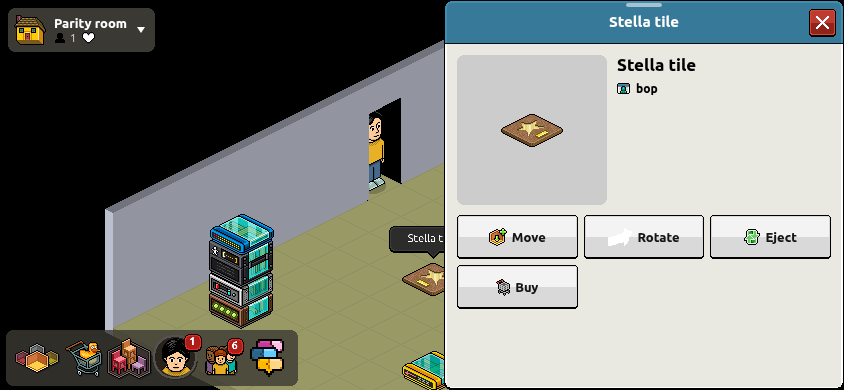
Select a piece of furniture to open its action drawer. Here, Buy opens the Stella tile in the Shop and closes the drawer.
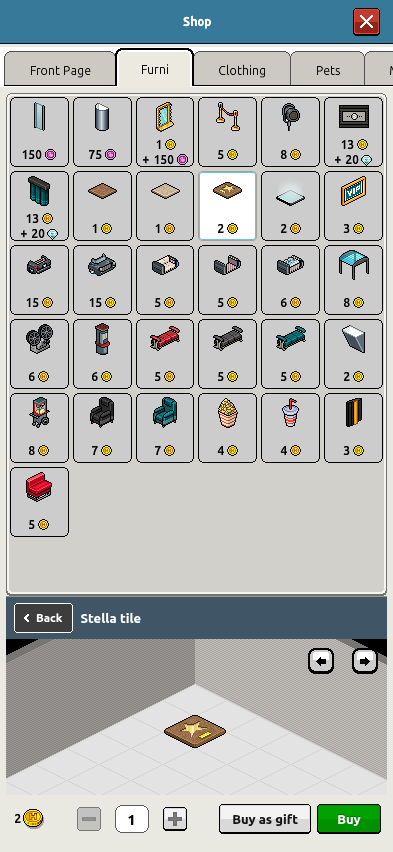
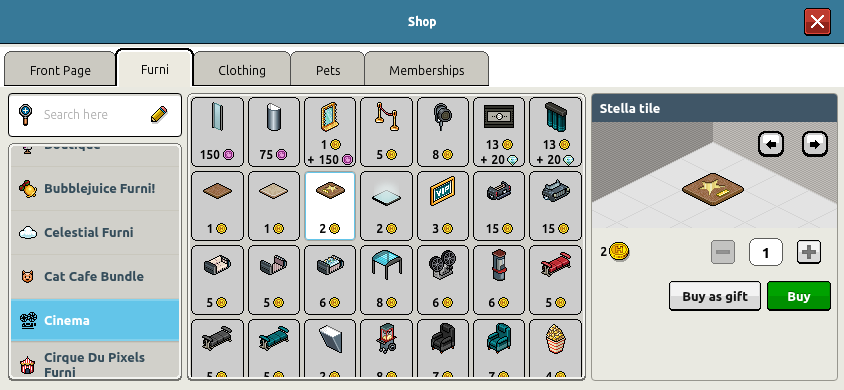
The Stella tile stays selected while you browse the grid. Its preview and price sit below the items in portrait and beside them in landscape.
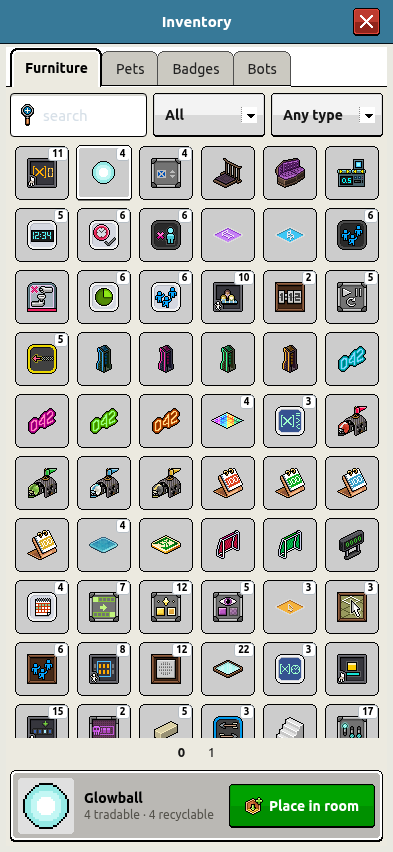
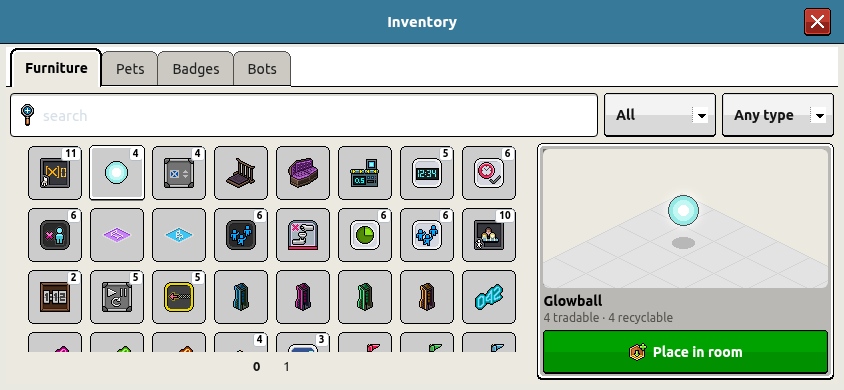
Choose a piece of furniture from your inventory. In portrait, the selected Glowball and Place in room button stay below the grid. Turn sideways for a larger preview beside it.
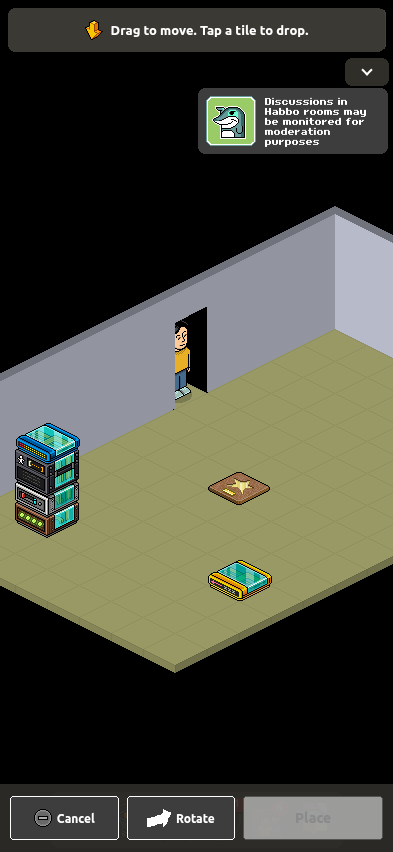
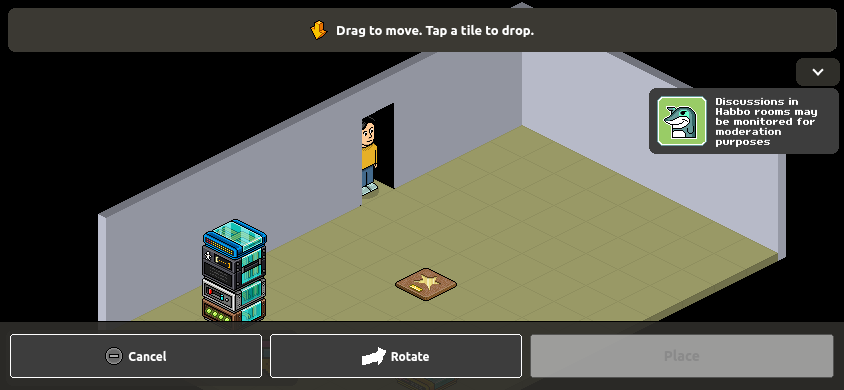
Choose Place in room to start positioning the item. The placement bar keeps Rotate and Cancel within reach while you choose a spot.
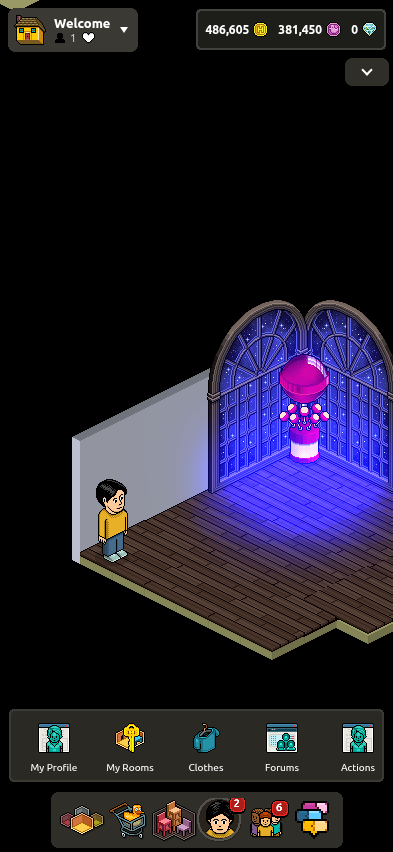
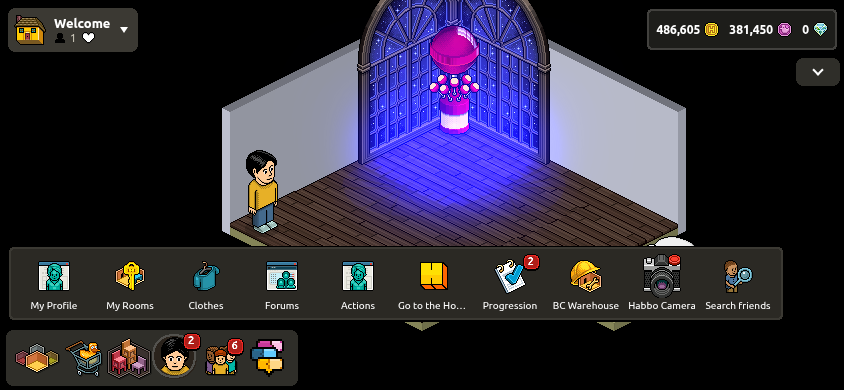
Tap your avatar on the toolbar to open shortcuts for your profile, rooms, clothes and activities. The menu opens over the room so you can still see where you are.
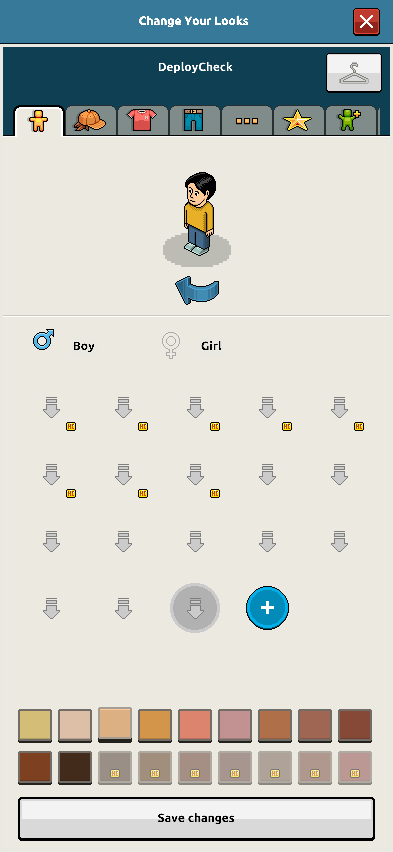
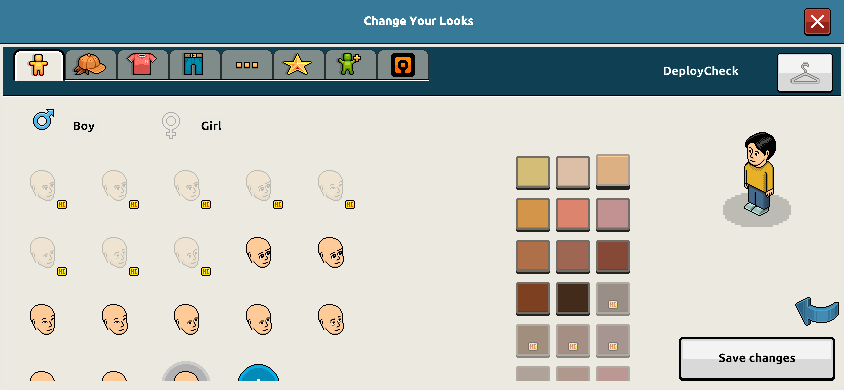
Open Change Your Looks from the Me menu. Choose a category and a colour, then check your avatar preview before saving.
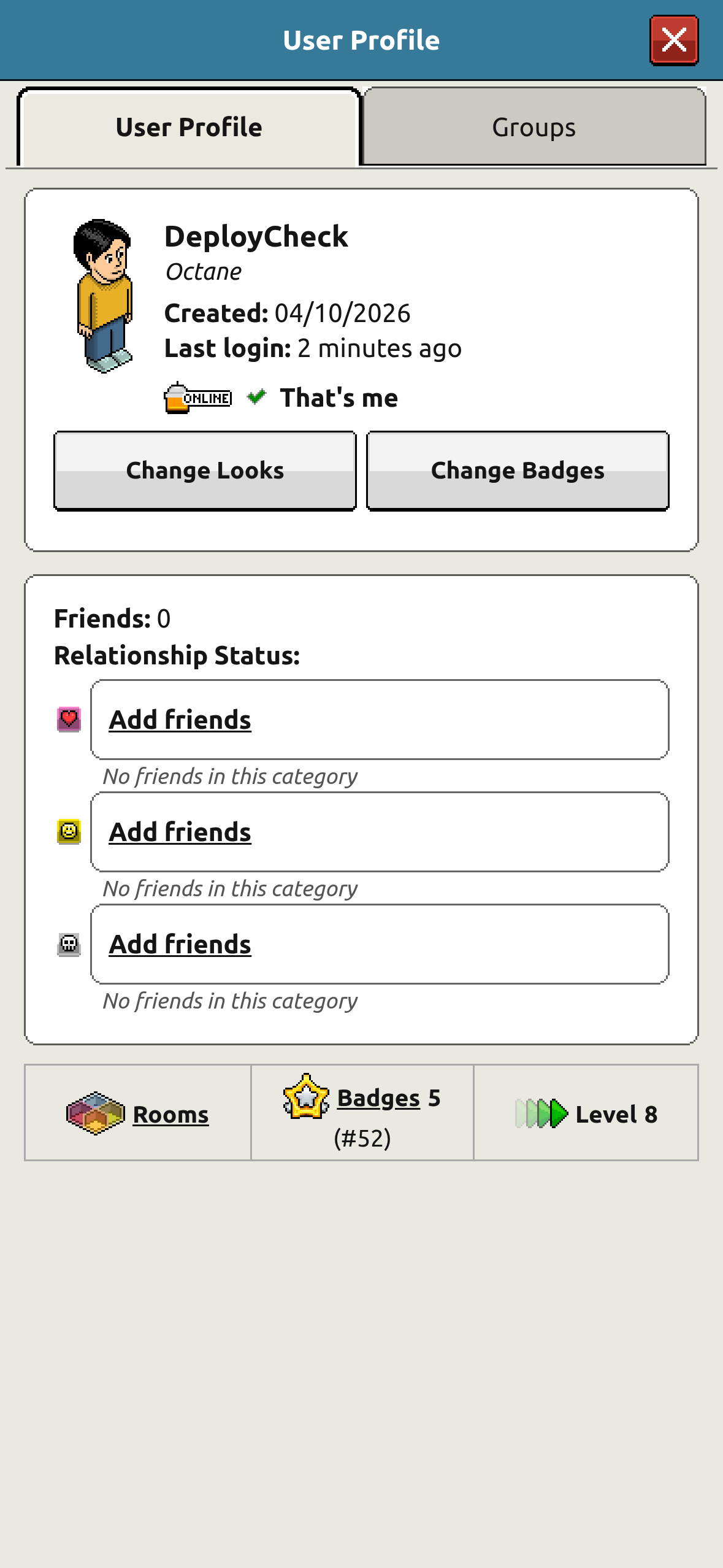
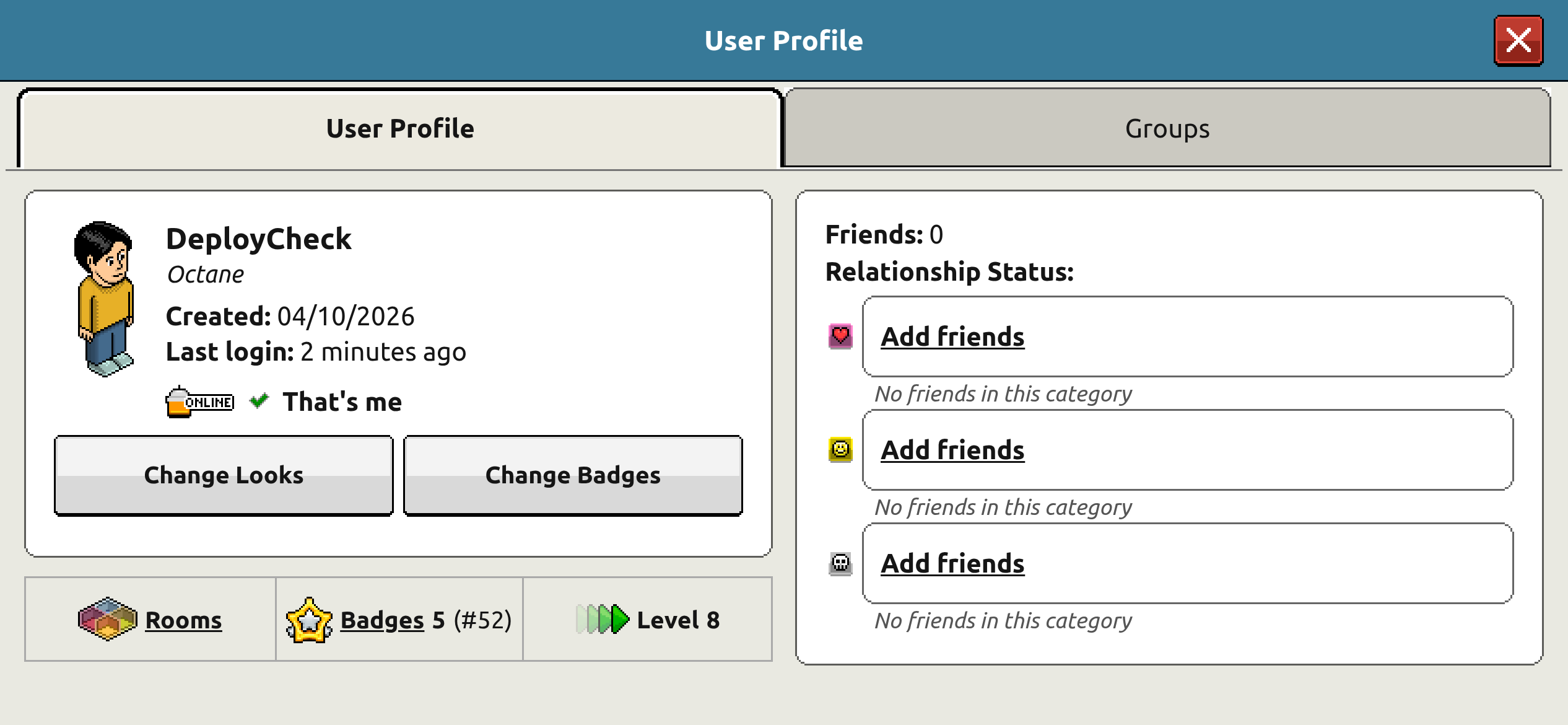
Your avatar, badges and profile details share one screen. Use the Groups tab to see your memberships in either orientation.